
Eureka! Ships! is an addon which allows players to easily assemble ships as airships and boats using the Ship Helm. Unlike some VS addons, Eureka does not have realistic physics, as the Ship Helm will automatically apply stabilizing forces to any ship it’s placed on. Although it was developed from scratch, but its gameplay style is inspired by the now-discontinued Archimedes’ Ships. It also has many configuration options, such as the maximum amount of blocks a helm can assemble and what blocks can or cannot be assembled. A list of config settings and their descriptions can be found here.
Blocks and Items
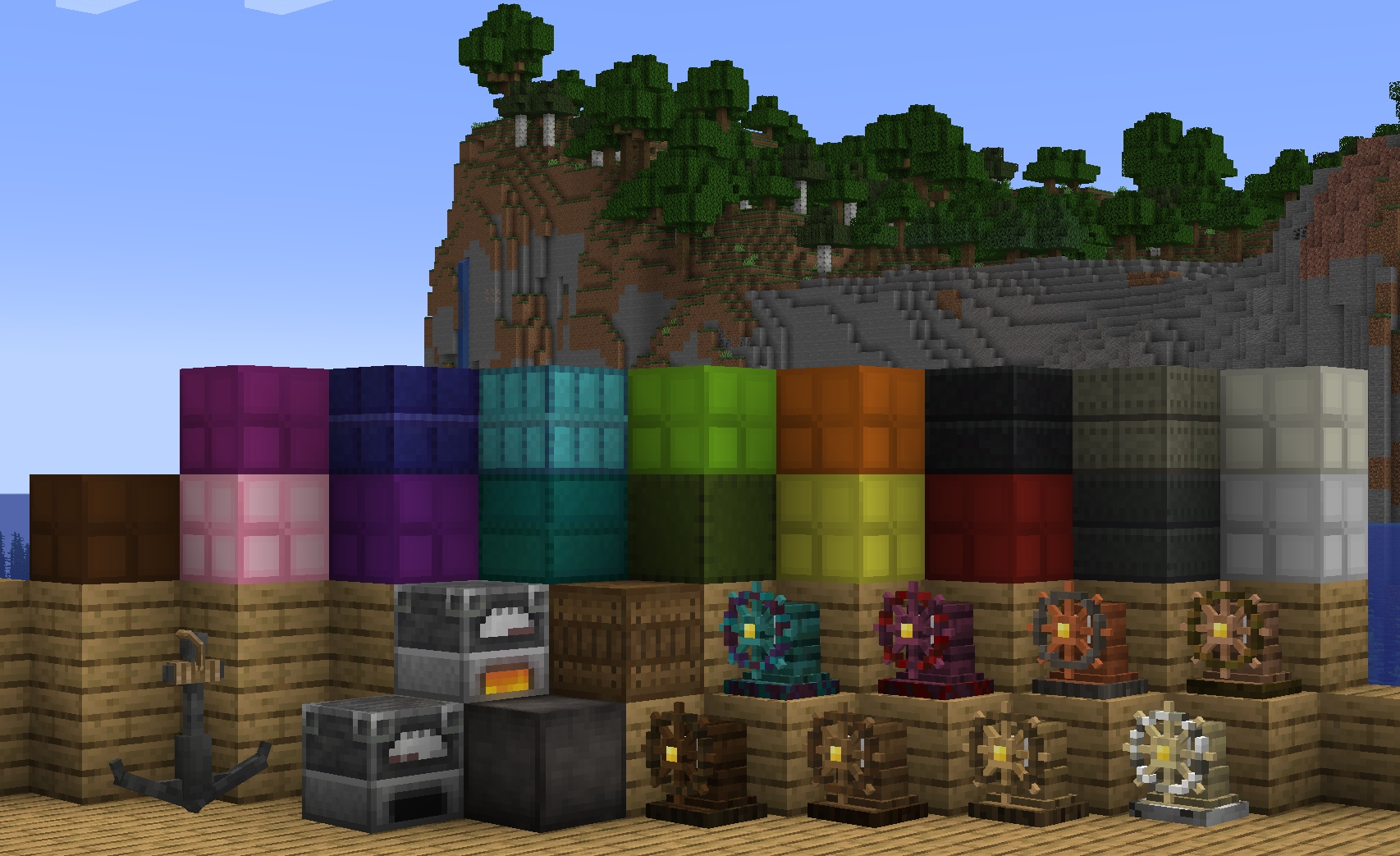
Create your first ship
Assemble your ship
To get started with Eureka, place a Ship Helm on the ship that you want to assemble. Ensure that the ship isn’t touching any blocks that you don’t want to be assembled. While sneaking, right click the Ship Helm with an open hand. Press the “Assemble” button in the menu that pops up.
Control your ship
Once your ship has been assembled, right click the Ship Helm without sneaking to stand at it. Once standing at the ship helm, you can control the ship by using WASD to navigate. If your ship has balloons, you can also use SPACE to ascend and V to descend.
Float your ship
Ships made of light materials will float in water by default, whereas heavy ships will sink. Floaters can be used to make heavy ships more buoyant.
Fly your ship
Ships cannot fly by default. Once you have placed a sufficient amount of Balloons on your ship, you will be able to fly it by right clicking the Ship Helm and pressing SPACE.
Dependencies
| + | 1.18.2 | 1.19.2 | 1.20.1 |
|---|---|---|---|
| Eureka Version | 1.5.4-beta.1 | 1.5.4-beta.2 | 1.6.3 |
| Valkyrien Skies Version | 2.1.1-beta.5 | 2.1.2-beta.1 | 2.4.11 |
| For Forge Only: | |||
| Forge Version | 40.2.4+ | 43.3.0+ | 47.4.2+ |
| Kotlin for Forge Version | 3.12 | 3.12 | 4.11+ |
| For Fabric Only | |||
| Fabric API Version | 0.67.0+ | 0.76.1+ | 0.92.6+ |